 Hawkcrest
 One Subscription, Your Whole Security Stack: A Plain-English Guide to Microsoft 365 for Business
Most small businesses already pay for Microsoft 365. Email, Word, Excel, Teams. It's just "the office stuff."
But depending on which plan you're on, that same subscription can also be your phishing filter, your antivirus, your device manager, your login security, and your data-loss guardrail. One bill. One admin console. One vendor to call.
The catch: most of that protection doesn't do much until someone turns it on and sets it up correctly.
This post walks through the Microsoft 365 for Business plans in plain English, what each one actually gets you, and a short checklist to get the security features working.
Why this matters for small firms
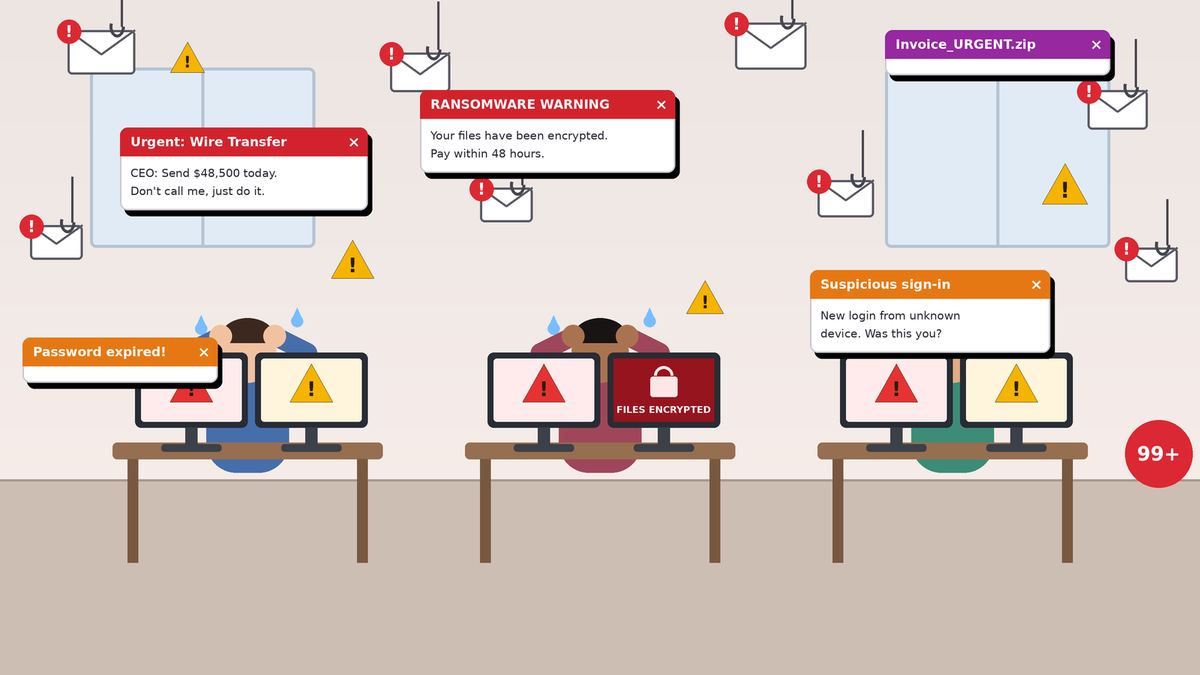
Attackers don't only go after big companies. Small law firms, insurance agencies, accounting shops, and clinics hold exactly what criminals want: client data, bank details, and the ability to send a convincing invoice or wire request.
The usual ways in are boring and effective:
- A phishing email that steals a password.
- A fake invoice or "urgent wire" request that looks like it came from the boss.
- A lost or unmanaged laptop with client files on it.
- A settings mistake, like files shared with "anyone with the link."
- Ransomware that locks up every file you have.
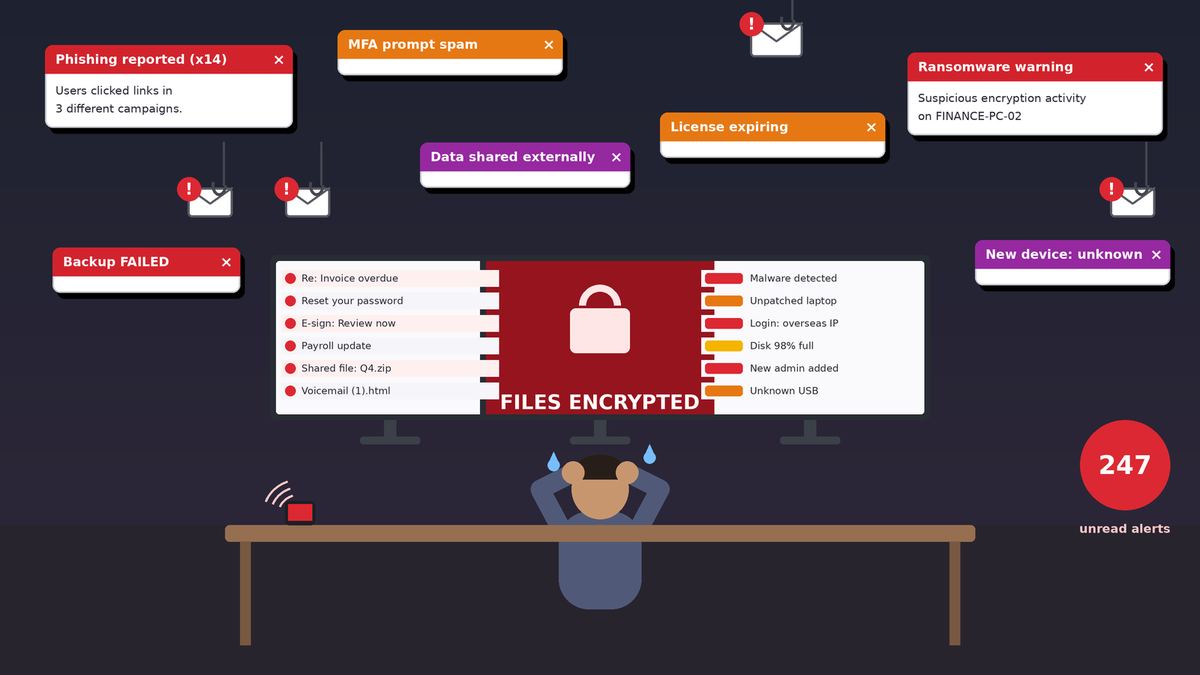
Most small businesses try to solve these with a pile of separate tools. A spam filter here, an antivirus there, a password app, a backup service. Each has its own bill, its own login, and its own alerts. Nobody has time to watch all of them.
The Microsoft 365 for Business plans, in plain English
All of the business plans are built for organizations with up to 300 users. Prices below are Microsoft's published U.S. list prices, per user per month, with an annual commitment, as shown on Microsoft's website on October 9, 2026. Paying month to month costs more. Prices can change and may differ through a reseller, so always confirm current pricing.
Microsoft 365 Apps for business ($10.00)
The Office apps, without the email.
- Desktop versions of Word, Excel, PowerPoint, and Outlook
- 1 TB of OneDrive cloud storage per user
- No business email hosting and no Teams
Good for: businesses that already get email somewhere else and only need the apps. It doesn't include the security tools this post is about.
Microsoft 365 Business Basic ($7.00, or $8.40 paid monthly)
Email and collaboration, with web and mobile apps.
- Custom business email ([email protected]) with a 100 GB mailbox
- Web and mobile versions of Word, Excel, PowerPoint, and Outlook (no desktop apps)
- Teams, OneDrive (1 TB per user), and SharePoint
- Automatic spam and malware filtering
- Multifactor authentication (MFA) through Microsoft's "security defaults"
Good for: very small teams that work mostly in a browser.
Microsoft 365 Business Standard ($14.00, or $16.80 paid monthly)
Everything in Basic, plus the full desktop apps.
- Installable Word, Excel, PowerPoint, Outlook, and OneNote (Access on PCs)
- Install on up to 5 PCs or Macs, 5 tablets, and 5 phones per user
- Extras like Microsoft Loop and Clipchamp
- Same basic security as Business Basic
Good for: businesses that live in Word and Excel and want the desktop versions. This is where many firms sit today, and where the security gap usually is.
Microsoft 365 Business Premium ($22.00, or $26.40 paid monthly)
Everything in Business Standard, plus a full security and device management toolkit. Microsoft itself describes it as an integrated productivity and security solution for small and midsize businesses. More on what's inside below.
A quick note on Copilot and "no Teams" versions
Microsoft also sells "with Copilot" versions that bundle its AI assistant into the apps (listed at $23.50 for Business Standard and $32.00 for Business Premium, annual). There are also "no Teams" versions of each plan at lower prices for businesses that buy Teams separately. The security features are the same either way. The plan name (Basic, Standard, or Premium) is what decides your protection.
What Business Premium adds, and why it matters
For about $8 more per user per month than Business Standard (list price), Business Premium adds tools that many small businesses pay separate vendors for.
Email protection: Microsoft Defender for Office 365 Plan 1
Email is where most attacks start. Defender for Office 365 Plan 1 adds:
- Safe Links: checks links when someone clicks them, not just when the email arrives. That matters because attackers often switch a link to something harmful after the message gets through.
- Safe Attachments: opens attachments in a safe, isolated space to see whether they do anything harmful before they reach the inbox. It also covers files in SharePoint, OneDrive, and Teams.
- Anti-phishing protection: helps catch emails pretending to be you, your partners, or your vendors. Think fake wire requests and look-alike domains.
Device protection: Microsoft Defender for Business
This is business-grade protection for laptops, desktops, and phones (Windows, Mac, iOS, and Android). It goes beyond basic antivirus to include endpoint detection and response (spotting suspicious behavior like ransomware starting to encrypt files) and vulnerability management (telling you which devices are missing important updates). Servers need a separate add-on.
Device management: Microsoft Intune Plan 1
Intune lets you manage company laptops and phones from one place:
- Require a PIN or password, encryption, and current updates
- Push out apps and settings
- Wipe company data from a lost or stolen device
- Protect company data on personal phones without taking over the whole phone
Login security: Microsoft Entra ID P1 (Conditional Access and MFA)
Every Microsoft 365 business plan can require MFA. Business Premium adds Conditional Access, which lets you set smarter rules. For example:
- Only allow access to client files from company-managed devices
- Require MFA when someone signs in from a new location
- Block sign-ins from countries where you don't do business
- Block old sign-in methods that can't do MFA
Data protection: Microsoft Purview Information Protection and DLP
- Sensitivity labels let staff mark documents and emails as Confidential or Client Privileged, with protections like encryption and access limits that stay with the file wherever it goes.
- Data Loss Prevention (DLP) can warn or block someone who tries to email or share things like Social Security numbers or credit card numbers outside the firm.
For law firms and insurance agencies that handle confidential client data every day, this is a big deal.
Email archiving: Exchange Online Archiving
Business Premium includes Exchange Online Archiving, which raises archive storage from 50 GB to 1.5 TB per user (per Microsoft's plan comparison). That helps with retention, legal holds, and keeping years of client correspondence.
Bonus: a Windows 11 Pro upgrade
Business Premium includes a Windows 11 Pro upgrade for eligible devices, which supports the business management and security features above.
What about phishing simulations?
Training your team to spot phishing is one of the best things you can do. Microsoft's built-in tool for this, Attack simulation training, sends realistic but harmless fake phishing emails and assigns short training to anyone who clicks.
To be clear: Attack simulation training is not included in Business Premium. It requires Microsoft Defender for Office 365 Plan 2. Business Premium customers can get Plan 2 through the Microsoft Defender Suite for Business Premium add-on (which also includes Entra ID P2, Defender for Endpoint Plan 2, and more), through a standalone Defender for Office 365 Plan 2 license, or with Microsoft 365 E5.
If an add-on isn't in the budget, you can still run regular awareness training and turn on the built-in "Report phishing" button in Outlook so staff can flag suspicious emails.
One subscription, one stack
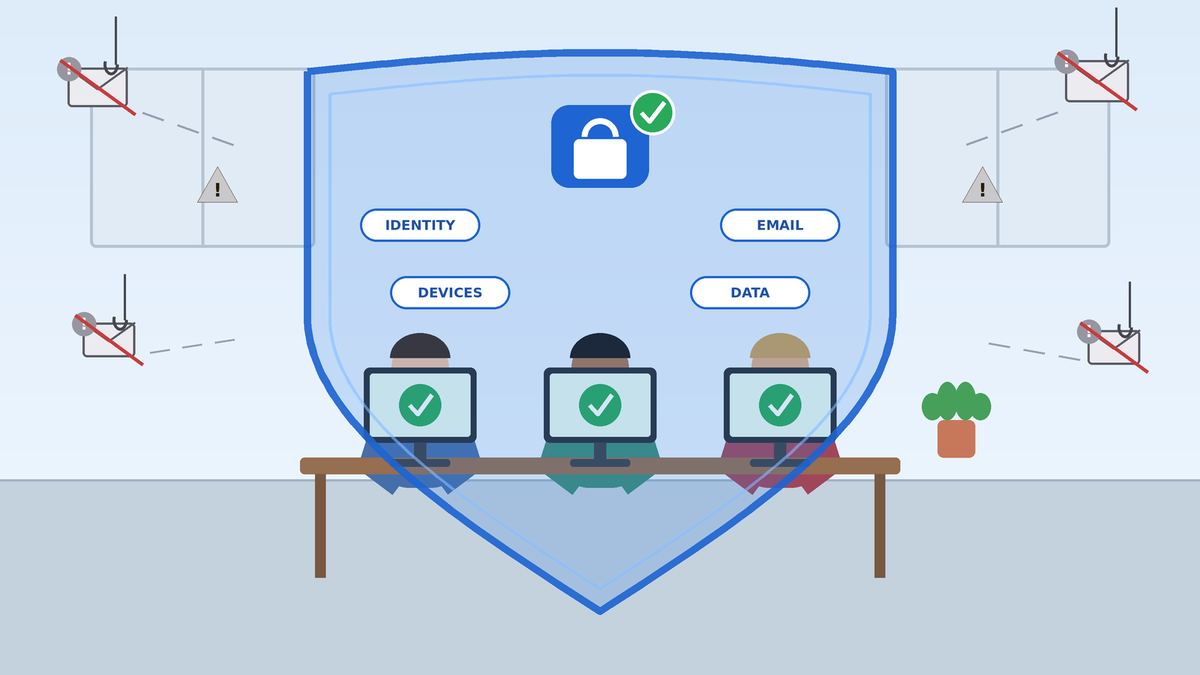
Here's the core point. With Business Premium, one subscription can cover:
- Productivity: email, Office apps, Teams, file storage
- Identity: MFA and Conditional Access
- Email security: Safe Links, Safe Attachments, anti-phishing
- Device security: endpoint protection and response
- Device management: Intune
- Data protection: sensitivity labels, DLP, archiving
That means fewer vendors, fewer bills, one place to look, and tools that actually work together.
The honest part: it takes configuration
Buying Business Premium doesn't automatically make you secure. Many of these features are off by default or set to loose settings, and a few, like Conditional Access, can lock people out if they're set up wrong.
Done right, this setup protects you against the most common ways small businesses get hurt: phishing, cyberattacks and ransomware, accidental data loss, and misconfigurations.
Practical configuration checklist
Use this as a starting point. Order matters. Start with identity and email.
- Turn on MFA for everyone. Use security defaults, or Conditional Access policies if you have Business Premium. No exceptions for "the boss."
- Lock down admin accounts. Keep global admins to two to four people, use separate admin accounts for admin work, and keep a secured emergency ("break-glass") account.
- Block legacy authentication. Old sign-in methods can't do MFA, and attackers love them.
- Apply Defender for Office 365 preset security policies (Standard or Strict) so Safe Links, Safe Attachments, and anti-phishing are all on. Add your owners, partners, and key vendors to impersonation protection.
- Set up SPF, DKIM, and DMARC for your email domain so criminals can't easily send email as you.
- Enroll devices in Intune. Require encryption, a screen lock, and current updates. Use app protection policies for personal phones.
- Onboard devices to Defender for Business and check the security dashboard regularly.
- Require compliant devices for access to email and files (Conditional Access).
- Create a few simple sensitivity labels (for example: Public, Internal, Confidential) and a DLP policy for the sensitive data you handle.
- Tighten sharing in SharePoint and OneDrive. Turn off or limit "anyone with the link" sharing.
- Turn on archiving and retention policies, and confirm audit logging is on.
- Train your people. Turn on the Report phishing button and run regular awareness training. Add phishing simulations if you license Defender for Office 365 Plan 2.
- Review Microsoft Secure Score monthly. It shows what's set up, what isn't, and what to fix next.
- Have a backup and recovery plan for your Microsoft 365 data, and test it.
Want help getting it right?
I'm Cory Zaner, a Houston-area cybersecurity architect (CISSP, CISM) and U.S. Air Force veteran. At Hawkcrest Cyber, I help small and midsize businesses, including law firms and insurance agencies, get real protection out of the Microsoft 365 licenses they already pay for, or pick the right plan if it's time to upgrade.
Whether you're on Business Standard and wondering if Premium is worth it, or you have Business Premium and aren't sure it's set up correctly, I can help you configure it the right way without locking anyone out.
Ready to find out what your Microsoft 365 subscription can really do? Request a service to start the conversation, or read about my Microsoft 365 and Entra security review.
Sources
Pricing and features were checked against Microsoft's official pages on October 9, 2026.
- Compare all Microsoft 365 business plans (Microsoft)
- Microsoft 365 Business Basic (Microsoft)
- Microsoft 365 Business Standard (Microsoft)
- Microsoft 365 Business Premium (Microsoft)
- Microsoft 365 business suites licensing guidance (Microsoft)
- Microsoft 365 for business security overview (Microsoft Learn)
- Microsoft Defender for Office 365 service description (Microsoft Learn)
- Get started using Attack simulation training (Microsoft Learn)
- Add Microsoft Defender Suite for Business Premium (Microsoft Learn)
- Microsoft Defender for Business overview (Microsoft Learn)
- Microsoft Entra licensing (Microsoft Learn)
- Exchange Online Archiving service description (Microsoft Learn)
Microsoft, Microsoft 365, Defender, Entra, Intune, and Purview are trademarks of the Microsoft group of companies. Hawkcrest Cyber is an independent consultancy and is not affiliated with Microsoft.
Want help applying this in your environment?
Request a service